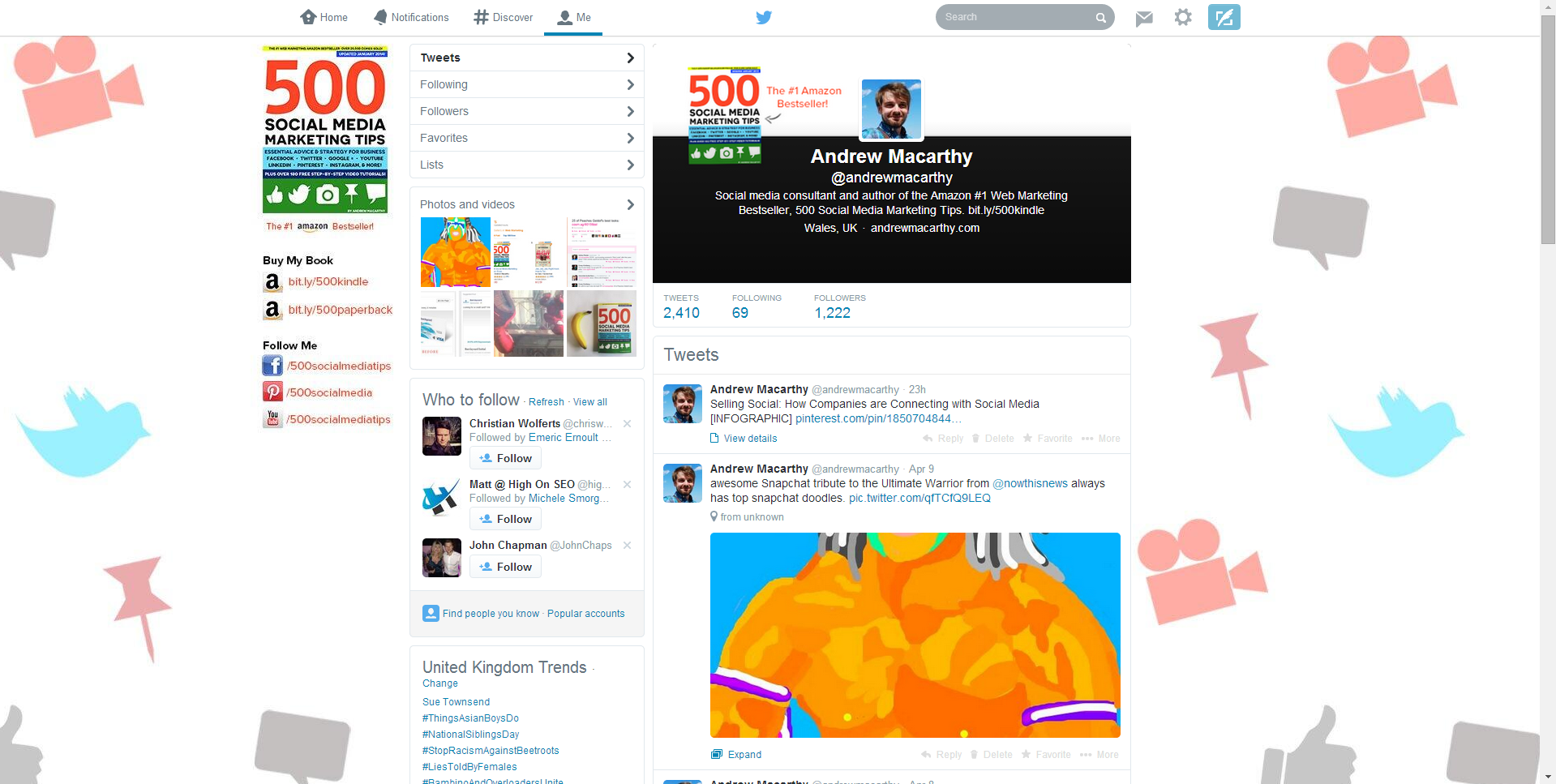
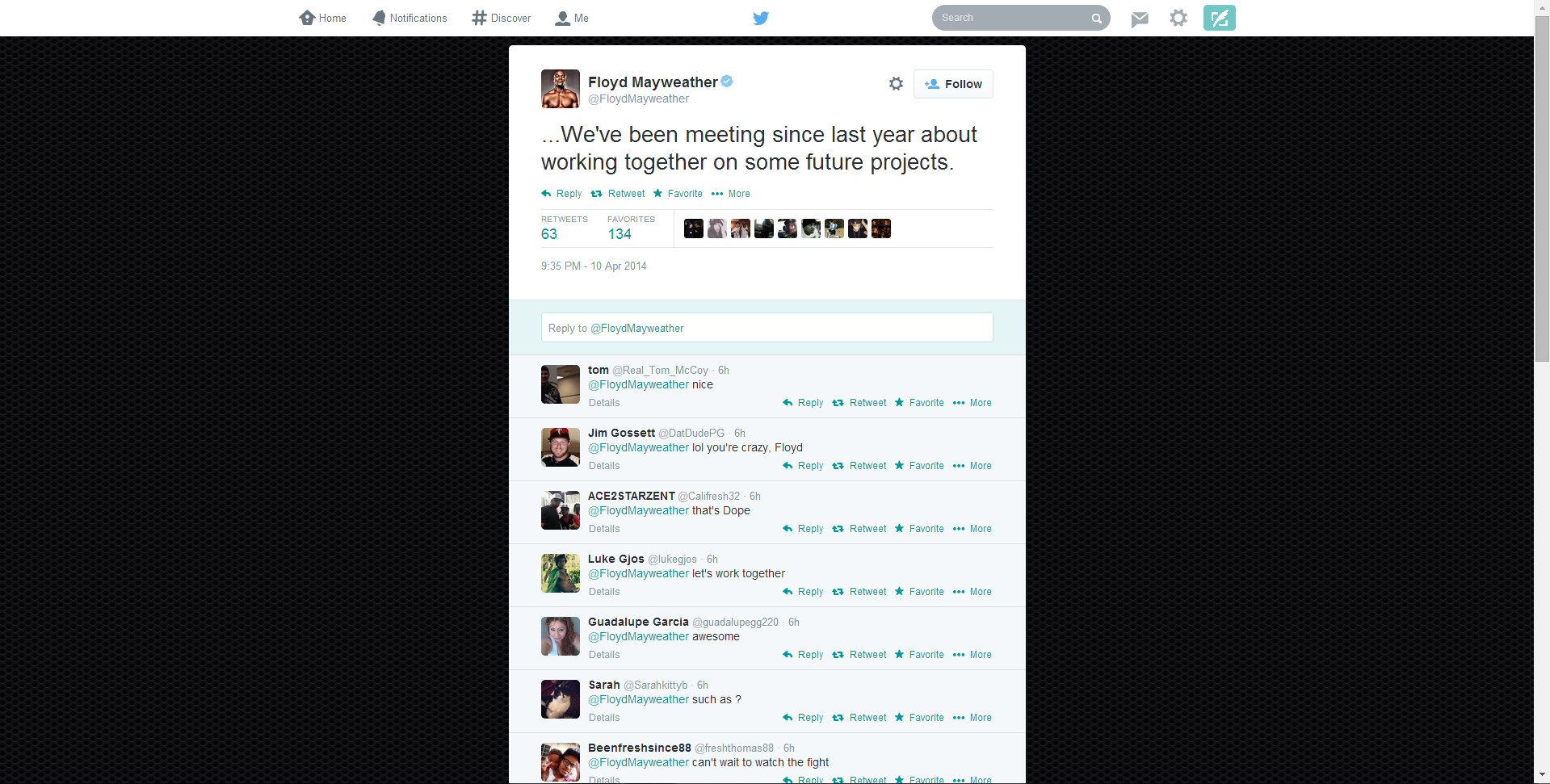
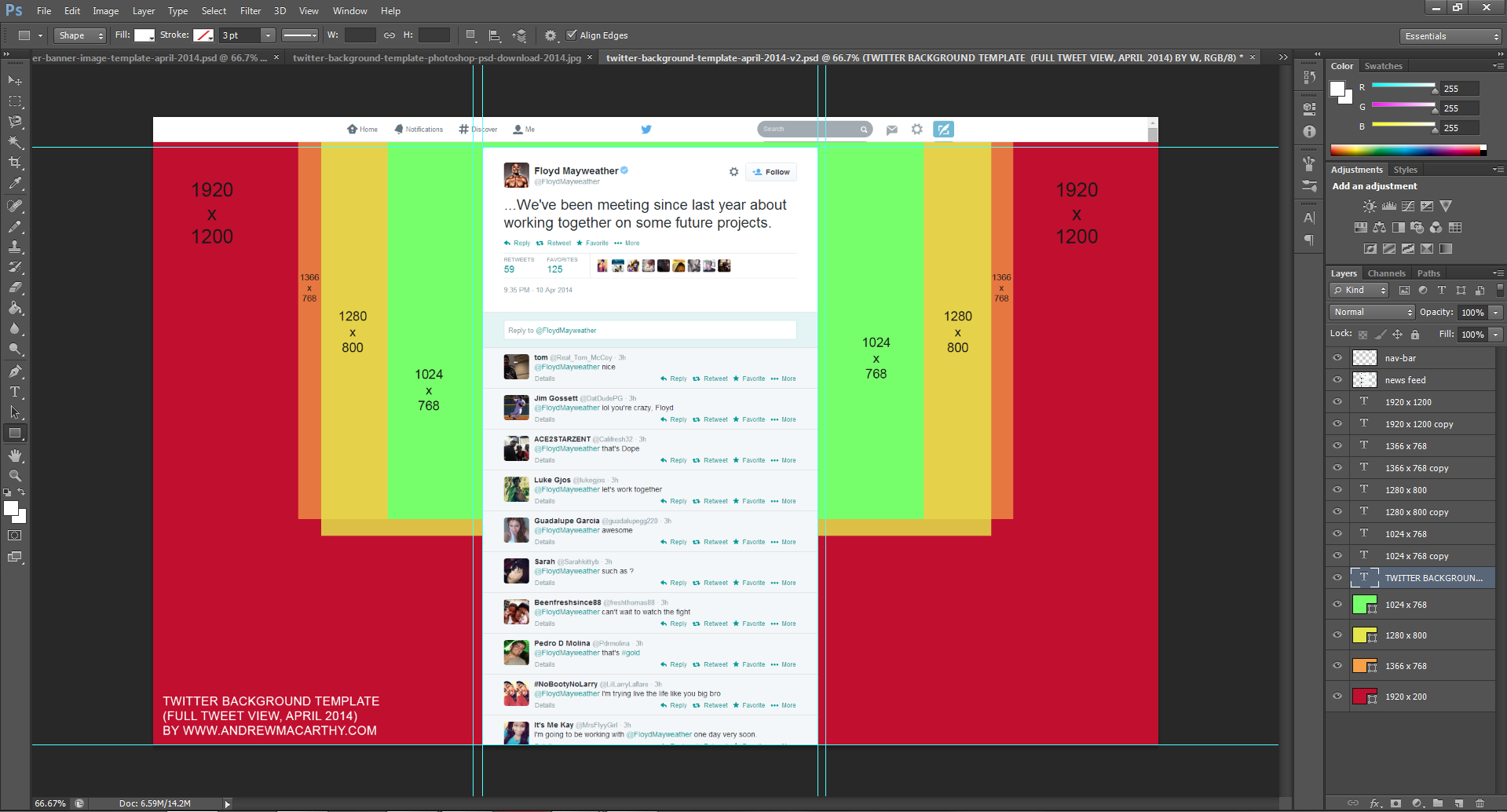
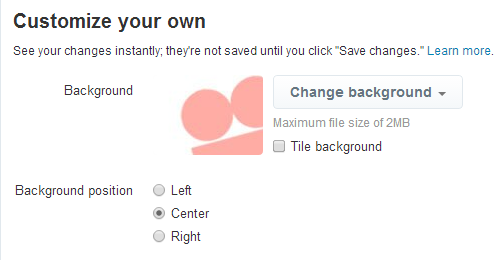
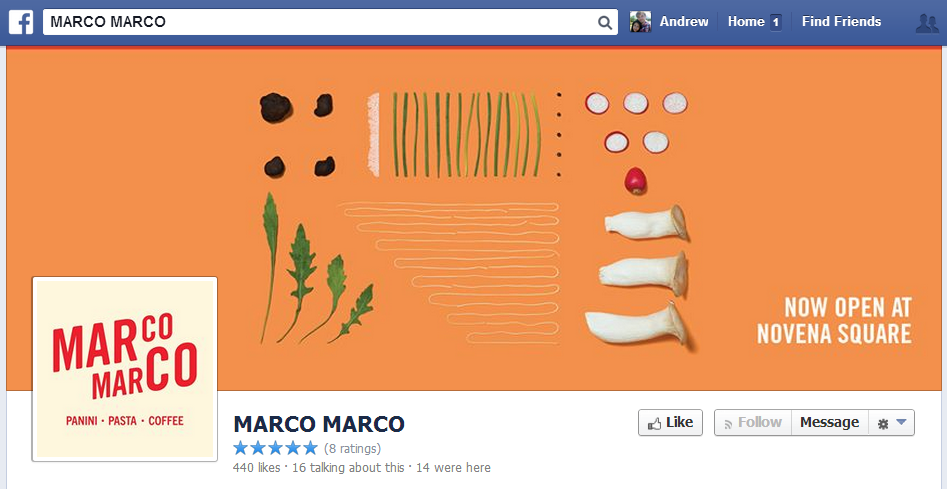
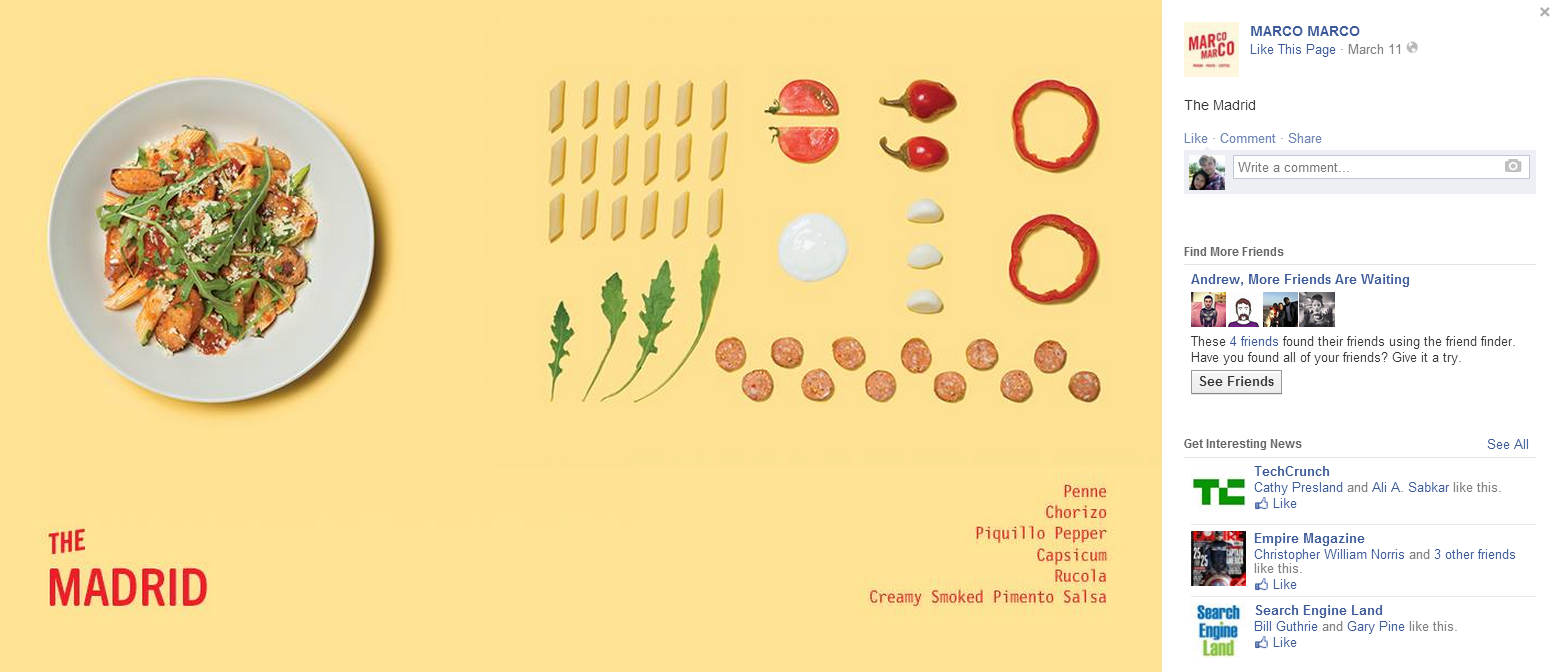
The above image shows what a user sees when they click on an individual tweet. Here, the background design you upload will display. In this case, it's a plain textured image but you can use the space for whatever you like: contact info, logos, offers, etc.
The trouble with Twitter background design optimisation
Twitter profile backgrounds are a a prime piece of real estate for brands, but creating one that is optimised to be seen as intended by as many users of the site as possible can be tricky due to the wide variety of screen resolutions that the site is browsed at on desktops. Problems include:
- Design hidden behind the tweet feed
- Design looks different from one screen to another
- Design not optimised for largest resolutions, leaving blank areas.
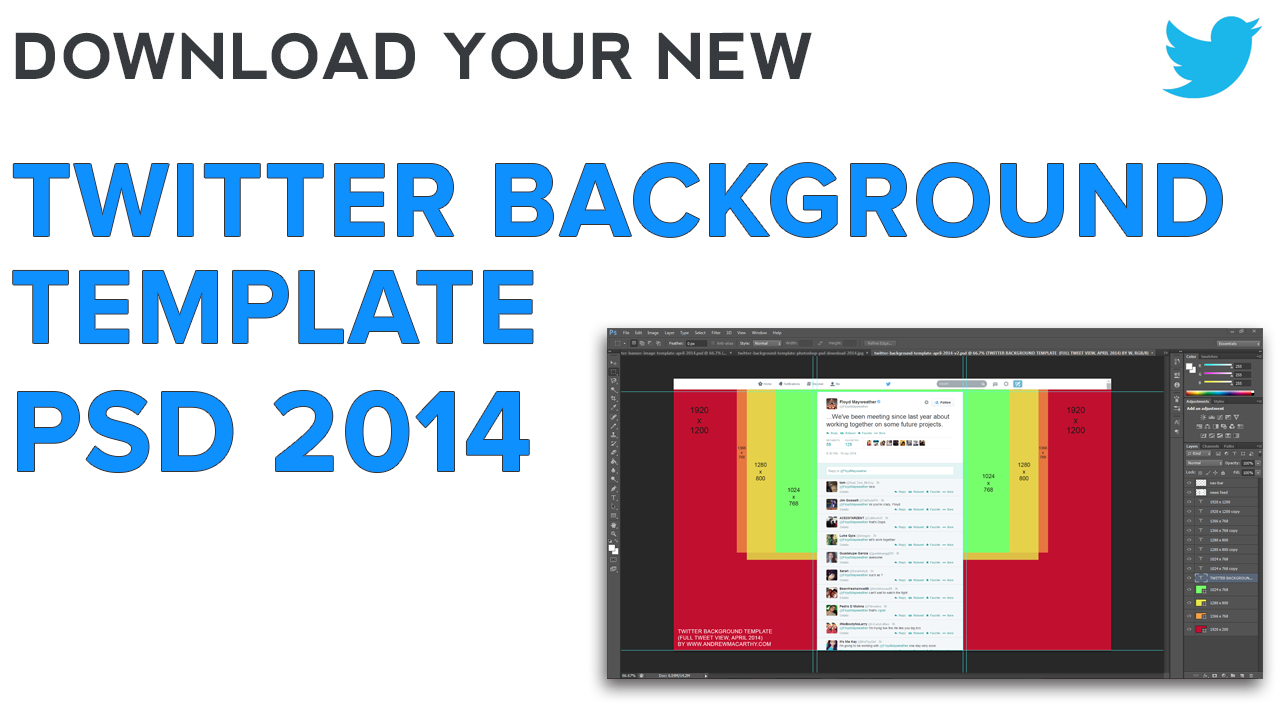
If you've ever had any of these problems, my free Twitter background template will help. But, before we get to it, let's take a look at the relationship between Twitter, screen resolutions, and Twitter background designs so that you can use the template as effectively as possible.
The Anatomy of A Twitter Page Explained
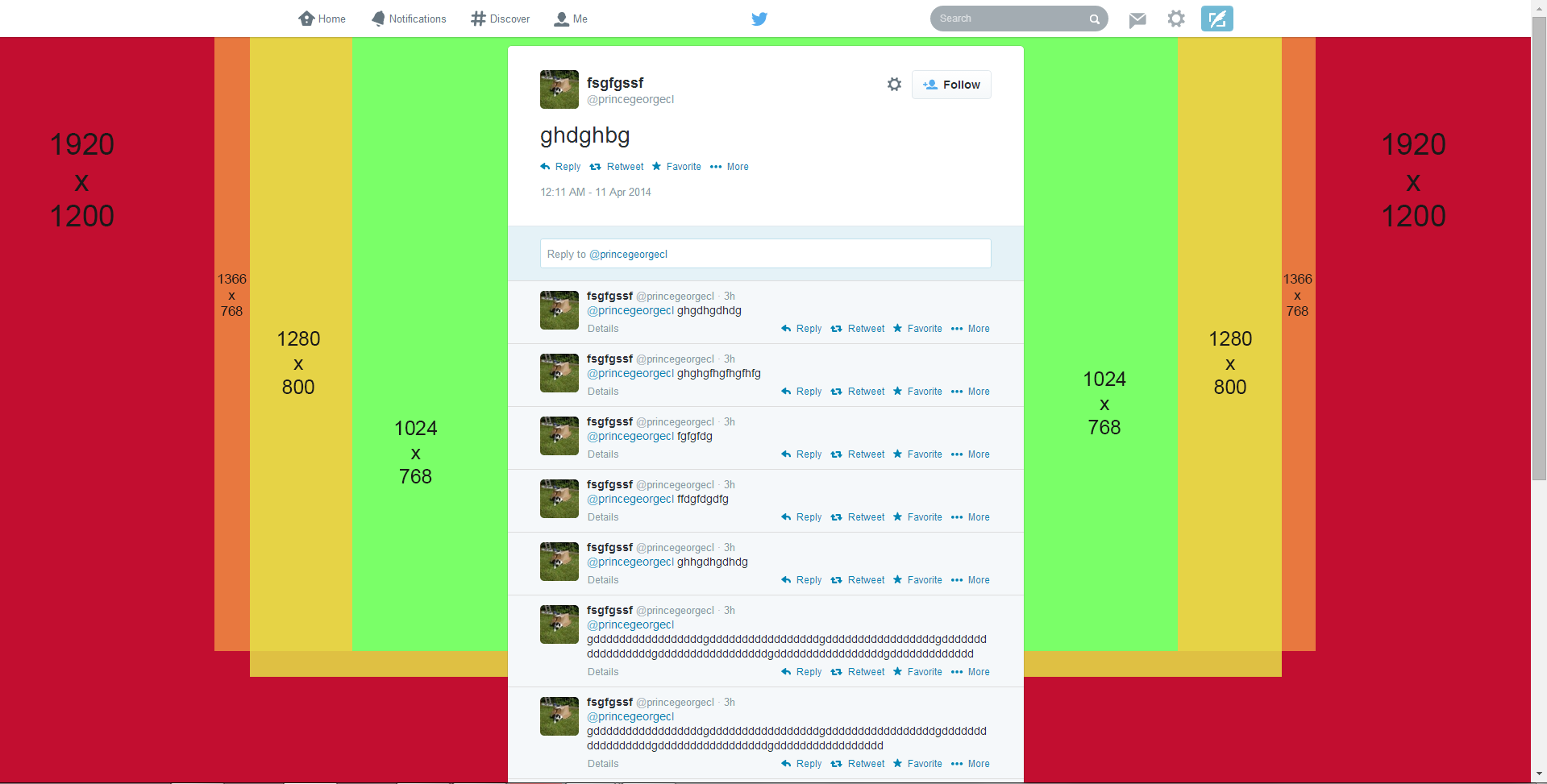
No matter what the resolution of a user's desktop display, the Twitter tweet feed will always sit in the centre of the page. That leaves an equal amount of space either side of it for the visible background design (the rest being hidden behind the tweet feed itself). How much of the design is visible by a user, then, depends on the resolution of their display.
Therefore, in designing your Twitter background, you should aim to cater to as many people using as many different resolutions as possible, especially if you want to feature branding on both sides of the feed. Which leads us nicely onto...
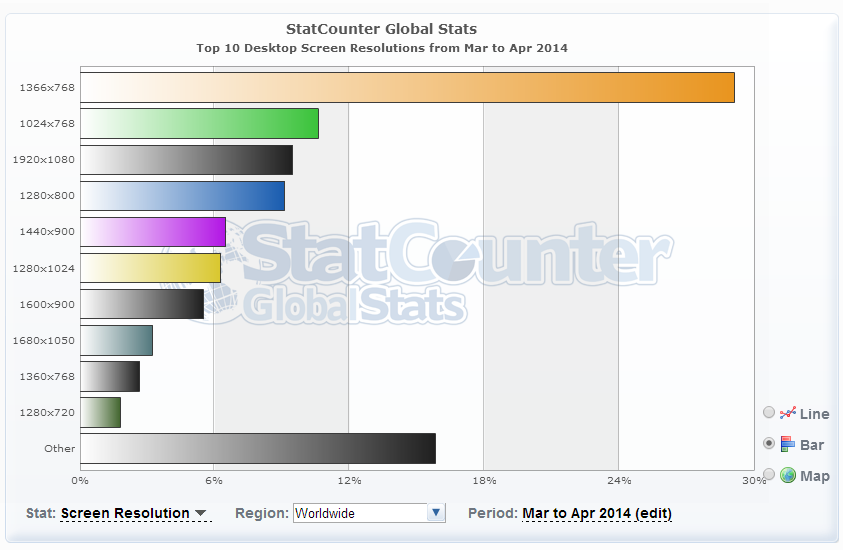
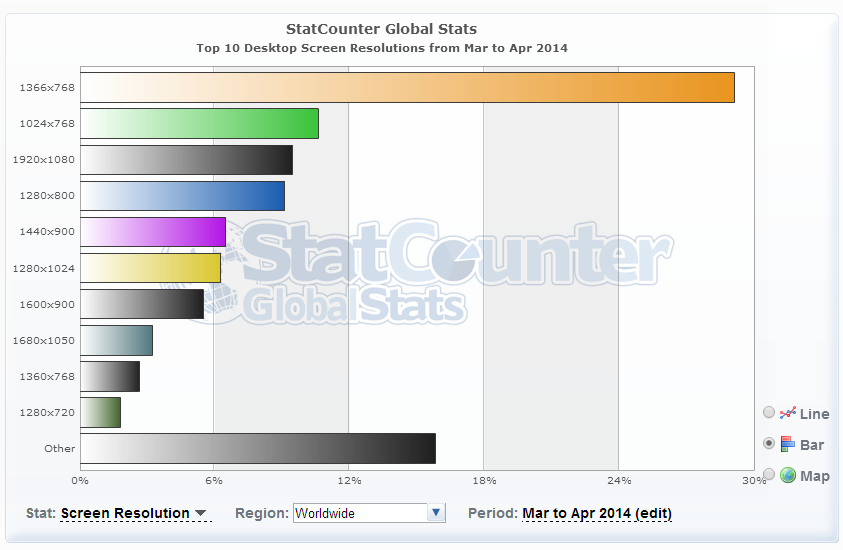
Global Statistics For Screen Resolutions