Facebook Cover Photo Template Updated November 2013

Facebook Cover Photo Template Updated November 2013

Following the recent roll out of new versions of the Facebook app for iOS and Android, I re-visited my social media templates to see what changes might need to be made. It turned out that the Facebook Cover Photo Template for Desktops and Mobiles definitely needed editing, and so I set to work. The finished result has been available on my Social Media Templates page for a good while now, but here are an overview of the amendments made.

Read More
Social Media Content Calendar Template Excel | Marketing Editorial Calender Download

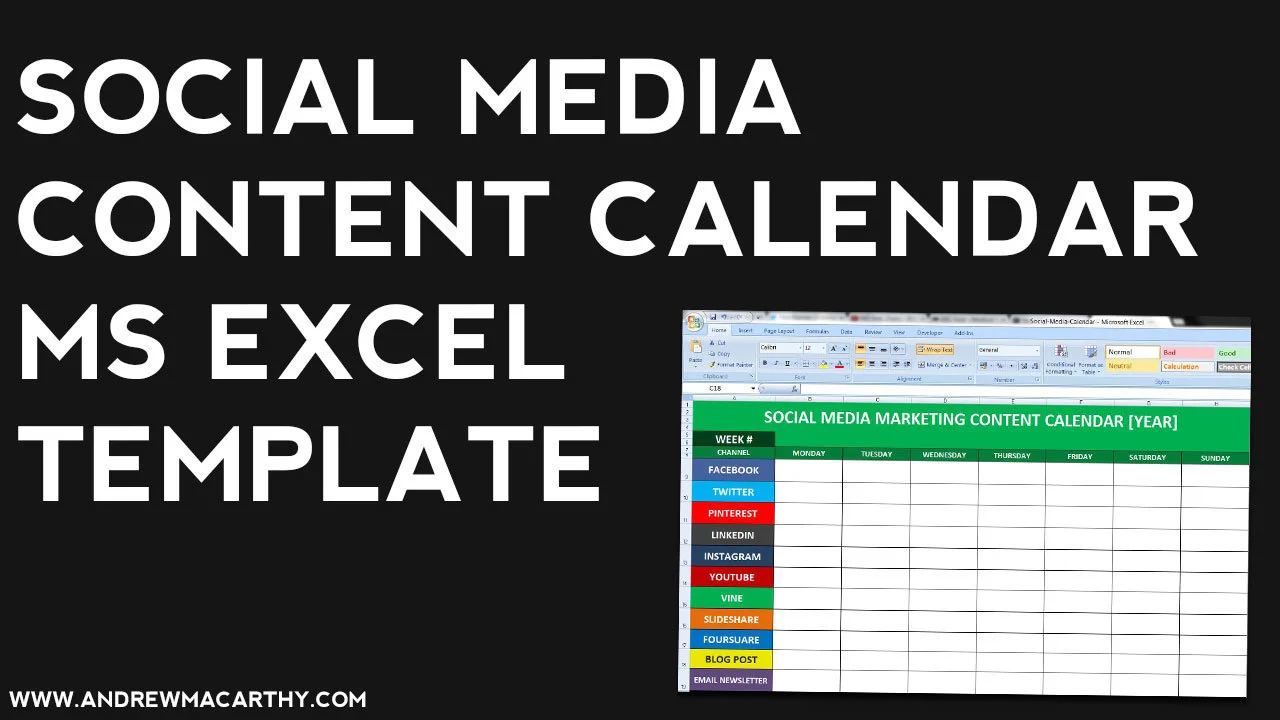
Social Media Content Calendar Template Excel | Marketing Editorial Calender Download

One of the biggest challenges for brands on social media is to consistently publish high quality content, day in and day out. Since it's this consistency that can really help to boost levels of engagement and foster a stronger relationship with your fans and followers, it is imperative to get right - and one of the best ways to do this is with a social media content calendar.

Read More

3 Ways to Use Twitter Feed Image and Vine Previews For Business

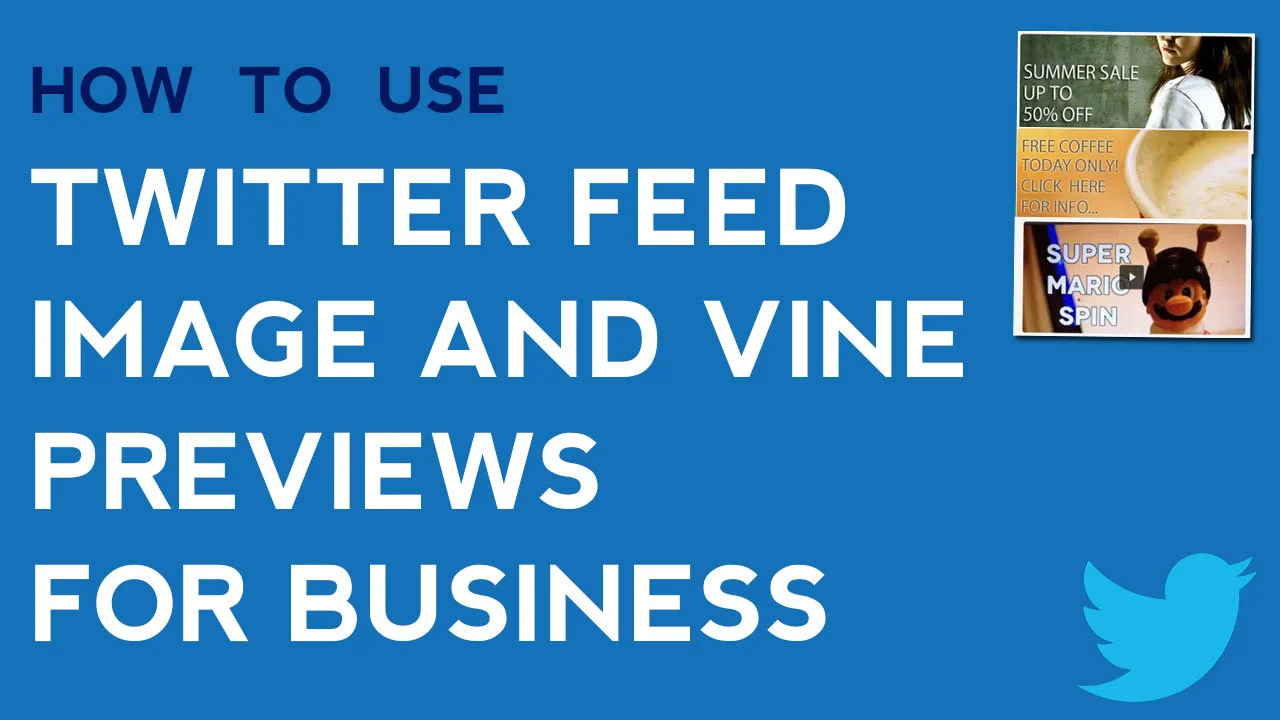
3 Ways to Use Twitter Feed Image and Vine Previews For Business

In late October, 2013, Twitter rolled out an update to its desktop site and mobile apps that changes how images (specifically those that are uploaded to the site directly) and Vine videos are displayed to users in their feeds. Let's take a look at the changes in detail and how you can use them for marketing purposes.

Read More

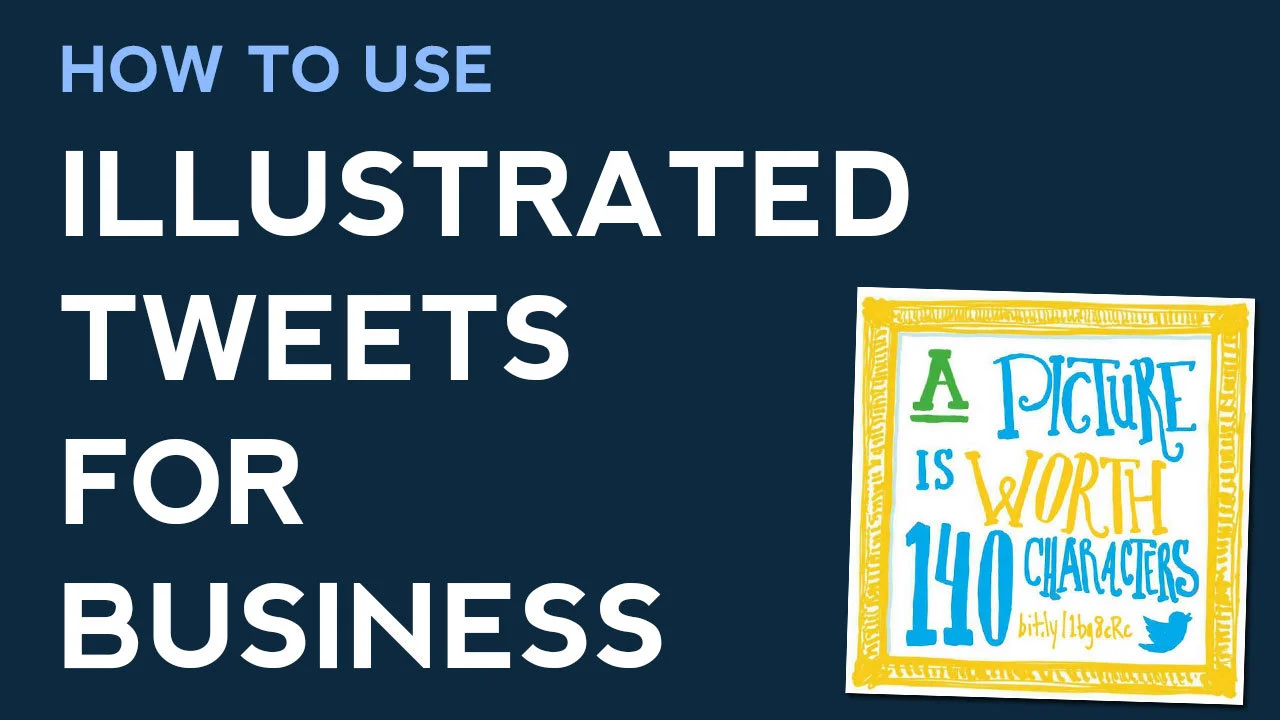
How to Use Illustrated Tweets for Business | Twitter Marketing With #illustratedtweets

How to Use Illustrated Tweets for Business | Twitter Marketing With #illustratedtweets

In October 2013, Twitter released a version of its app designed specifically for Android tablets, and with that update came a brand new feature - Illustrated Tweets. Let's take a look at how this new avenue of communication can be used to benefit your business.

Read More

Facebook Profile Photo Tip for Individuals With Followers and Pages


If you are the figurehead of a company on Facebook with both a business Page and a personal profile on which your customers use to keep up to date with your goings-on, it can, at a glance of the News Feed, be a bit confusing at from which destination any given status update is coming from.

 Of course, if somebody has chosen to follow you both personally and professionally, they might not really mind, but since the types of updates you share on your Page versus your individual profile might differ in style and content, it never hurts to differentiate the two. For people who come across you in search results, it'll give them an instant reference point too.

One quick and easy way to do this is with a slightly different profile for each, as in the examples below.

Business Page

facebook-business-page-profile-photo.jpg

Personal Profile

facebook-business-page-personal-photo.jpg

In my examples, I have used exactly the same photo for both the business Page and personal profile, but identified each with a bar along the left-hand side of each, and contrasting colours to further highlight the difference. You could use two completely different photos and ditch the label, but me, I happen to like the continuity.


portrait-blog.jpg