5 Examples of Bad Facebook Ads from Big Brands (And How You Can Avoid the Same Mistakes)

5 Examples of Bad Facebook Ads from Big Brands (And How You Can Avoid the Same Mistakes)

With organic reach on Facebook at an all-time low and recent changes to make its advertising platform more user-friendly than ever, there's no better time to start experimenting to see what a few ad dollars could do for your business on the site.

On desktop displays, News Feed ads are the most prominent and probably your best chance for success. Just make sure you learn from some of the poor choices made in the following examples from big brands...

Read More
How Ben & Jerry's Uses Images to Delight on Facebook, Instagram, Twitter, and Google+

How Ben & Jerry's Uses Images to Delight on Facebook, Instagram, Twitter, and Google+

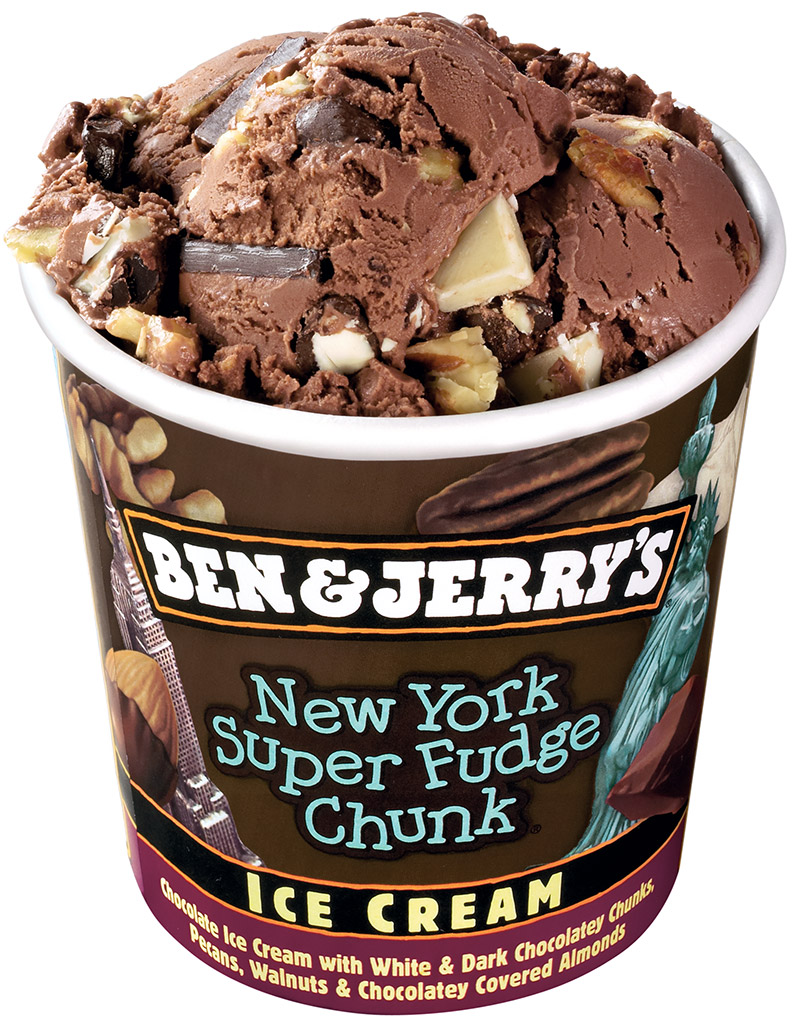
Ben and Jerry's has millions of passionate followers on social media, and it keeps them engaged by tailoring specific content to the networks that it posts on - Facebook, Twitter, Instagram, Pinterest, and Google+.

The ice-cream maker's use of different images for each site ensures that it hits the right spot, wherever its audience is.

Let's take a look at how Ben and Jerry's capitalised on Valentine's Day...

Read More

How to Wow Customers With Time-Lapse Videos on Social Media

How to Wow Customers With Time-Lapse Videos on Social Media

People love time-lapse videos. Whether they're made from lots of photos stitched together or a simple sped-up recording, the power to capture the story of a scene that lasted hours, days or even years in just a few minutes or seconds, is something that really resonates with audiences.

And with mobile apps that make generating time lapse videos as easy as a few taps of the finger, there's never been a better time to get involved. What's more, time lapse videos make for great content on social media - digestible in moments and very shareable - as you'll see in the examples below.

Read More

How to Edit Facebook Profile Photo Thumbnail 2014

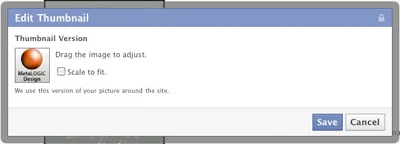
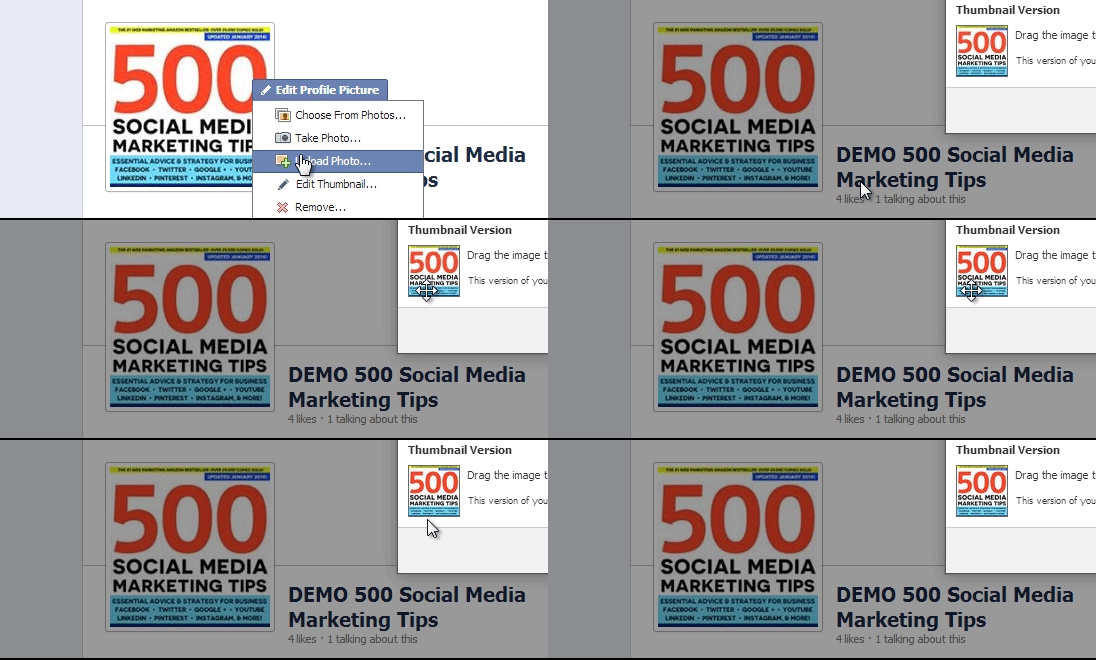
Facebook has tweaked the way that users can adjust the thumbnail version of their profile photo - the tiny square image that represents them next to comments on the site. 

When hovering over your profile photo and clicking the pencil icon, then Edit Thumbnail, a 'Scale to fit' option (above) used to appear.\

editfb.gif

Now, however, Facebook allows you to upload a profile image and (as long as it is over 180 x 180 pixels big), drag it around to pick the thumbnail view you like the best.

The previous 'Scale to fit' option was causing a few issues with images being cropped all weird in certain cases, so hopefully this tweak will have straightened everything out. All this said, though, I would always recommend uploading a big, square profile photo to bypass the need for any of this editing in the first place.


Andrew Macarthy is the author of the #1 Amazon Web Marketing Bestseller, 500 Social Media Marketing Tips, available for Kindle and in paperback.

Buy 500 Social Media Marketing Tips
Amazon US: http://www.amazon.com/dp/B007L50HE6
Amazon UK: http://www.amazon.co.uk/dp/B007L50HE6

Follow Me
http://www.facebook.com/500socialmediatips/
http://www.pinterest.com/andrewmacarthy
http://www.twitter.com/andrewmacarthy

http://www.youtube.com/500socialmediatips

portrait-blog.jpg