

Everything You Need to Know About Twitter Video: Recording, Editing, and Embedding
/
Everything You Need to Know About Twitter Video: Recording, Editing, and Embedding
Did you know that you can now shoot and upload video via the Twitter mobile app? The social network recently rolled out the feature to align itself with competitors like Facebook and Instagram, and it gives brands and businesses another way to share stories with your followers. In this blog post, I'll run you through everything you need to know about Twitter video, from uploading and editing, to embedding.
How to record Twitter video (or upload from your Camera Roll)

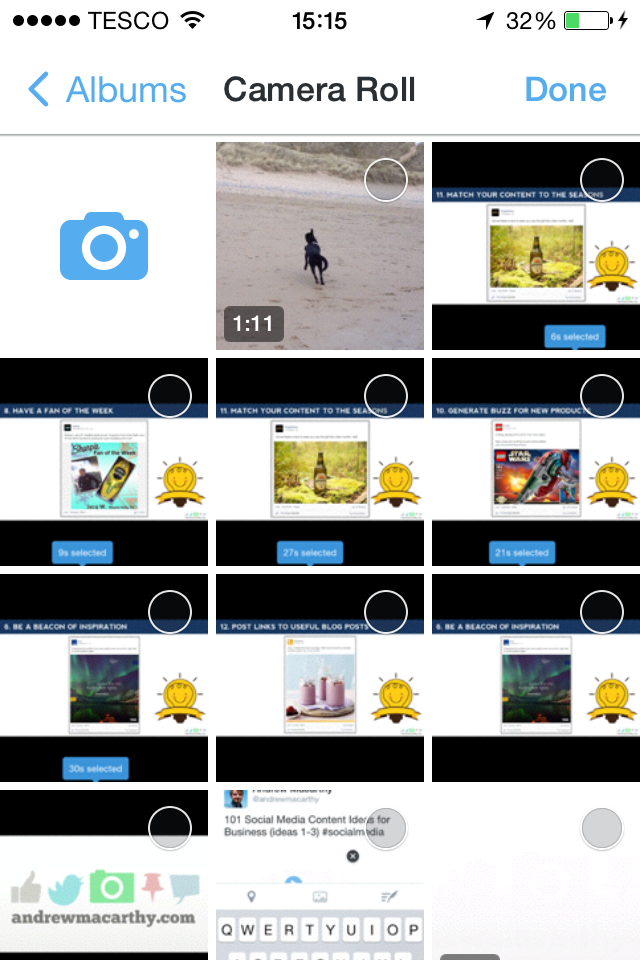
To start, visit the "compose a tweet" screen of the Twitter app. If you want to record a new video, simply click the camera icon. If you already have a video recorded and saved to your Camera Roll, select it from the "most recent" list or click the "picture" icon to explore your albums.

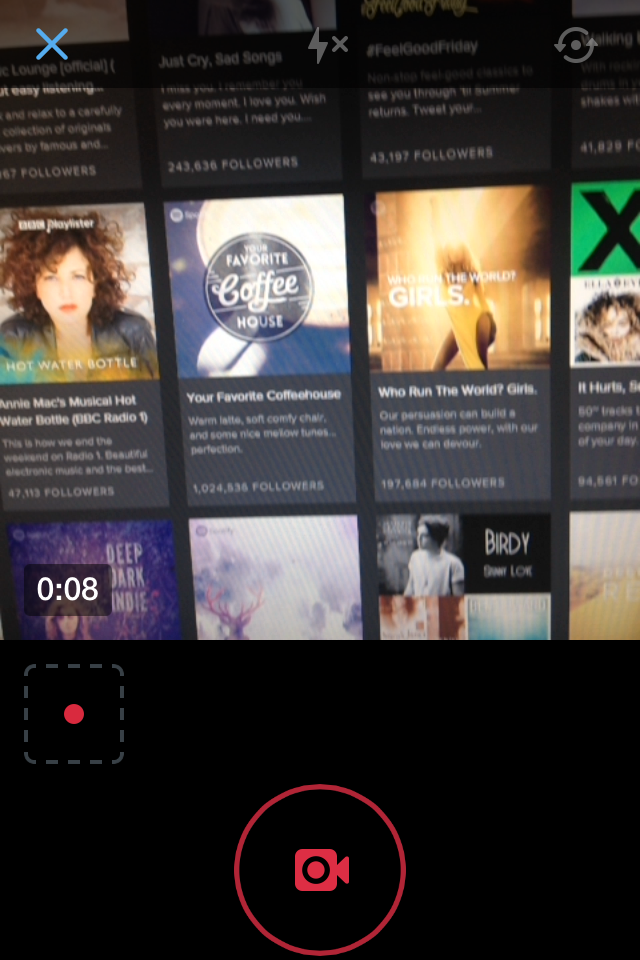
Assuming that you are recording a new video, once the camera is live, click on the video camera icon to switch to video mode. Tap and hold on the red "record" button to shoot, and let go to stop recording.


You can record multiple clips in one go this way, tapping, holding, and releasing each time. Each clip will sit in its own separate "box", and you can re-order them by tapping, holding and dragging them around as you please. To delete a clip, tap it, hold, and drag it up.
How to TrimTwitter Videos


The maximum length that a video posted to Twitter can be is 30 seconds. If you record a new video, the app will not let you exceed this limit; you will be asked to post at 30 seconds and cannot edit other than deleting existing clips.
If a video clip from your Cameral Roll exceeds the 30-second limit, you will be asked to trim the video down to meet this limit. Press, hold, and drag the selection box to choose the section of the clip that you would like to use. Tap and drag on the ends of the selection box to extend or shorten the length of the selected area. For a close-up look (and more control) over the length of the video, tap and hold the end of the selection box until the timeline zooms in.

Once you're done trimming, you're good to post! In the above tweet, my video is 27 seconds long - 3 seconds under the limit.
How to embed Twitter video tweets

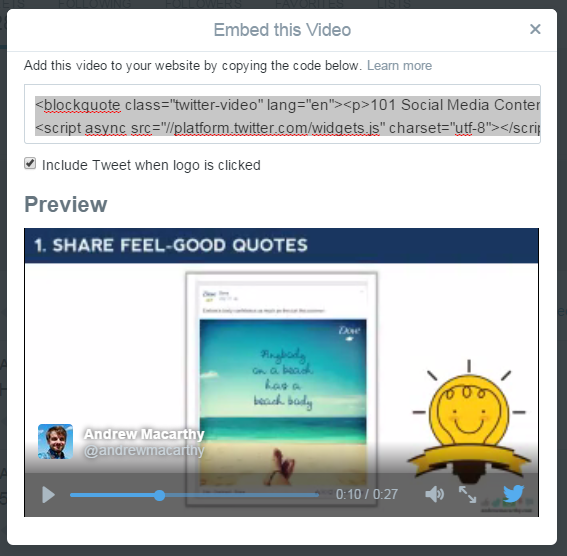
Just like ordinary tweets, tweets with videos can be embedded on your blog or website to extend the conversation beyond your profile page and followers' streams. To embed a video tweet, click the three little dots below it, choose "Embed Video" and then copy and paste the code onto your website. At the time of writing, this option is only available via desktop.
Over to you
Are you already experimenting with Twitter video or are you going to give it a go? Let me know in the comments below!

Andrew Macarthy is a social media consultant and the author of the #1 Amazon Web Marketing Bestseller, 500 Social Media Marketing Tips.
Buy 500 Social Media Marketing Tips
Amazon US: http://www.amazon.com/dp/B007L50HE6
Amazon UK: http://www.amazon.co.uk/dp/B007L50HE6
Follow Me:
http://www.facebook.com/500socialmediatips/
http://www.pinterest.com/andrewmacarthy
http://www.twitter.com/andrewmacarthy
http://www.youtube.com/500socialmediatips
