Pinterest New Design Updates: Search, @Mentions, And More

 
new-pinterest-updates-april-2013.jpg

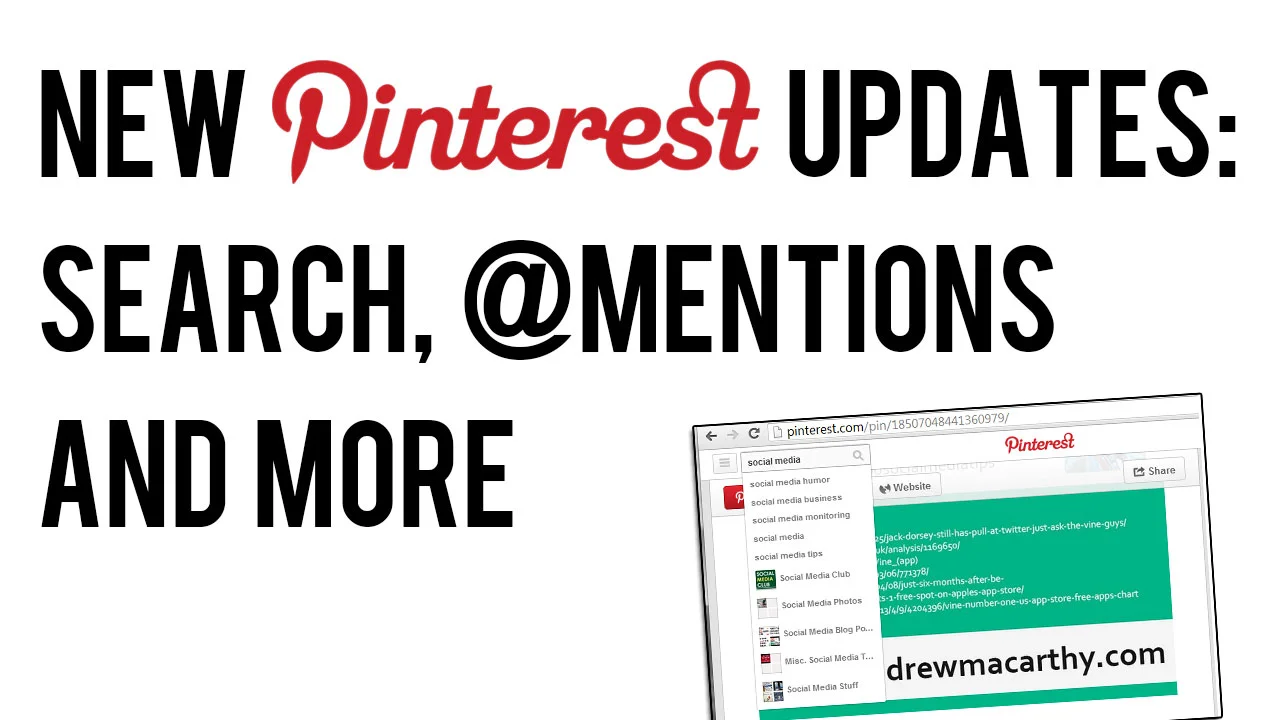
Pinterest has rolled out a few tweaks and changes to the new look website it introduced a couple of months ago, including several re-introduced features following user demand. Here's an overview of what's new and what's changed: 

'Pinned By' Is Back
pinned-by.PNG

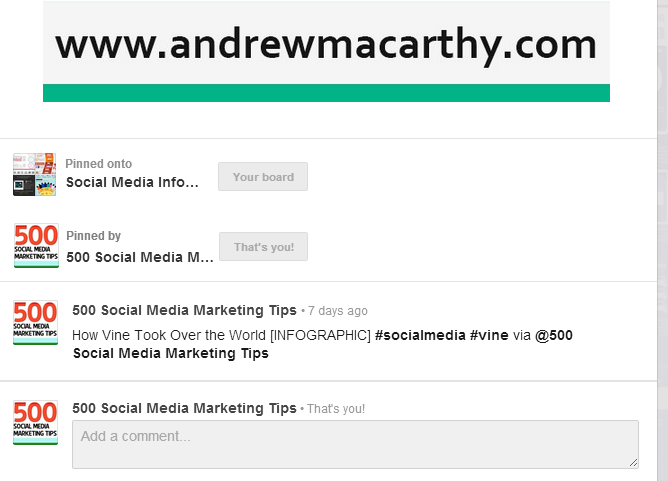
 'Pinned By', the feature that allows users to see who originally pinned an image is back. It's a great way of discovering new people to follow, and to credit them for content.

@Mentions Return
pinterest-mentions-comments.png

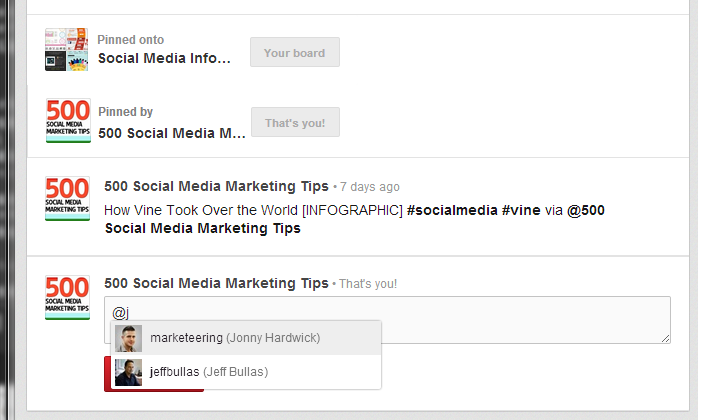
Another good way to find people to follow, and to tag them in posts was the @mention feature used in comments. You can see it in action in the image above. Also back, says Pinterest, is the ability to find friends from Twitter and Facebook that are already using the site.

Auto-Suggest Search

pinterest-search-auto-suggest.png

To help Pinterest users find pins and boards that they are interested in, the site's search function now supports an auto-suggest feature. Start typing a keyword or phrase in and a drop-down will appear with plenty of search terms or board suggestions.

Over to You

Are you in favour of the new features on Pinterest? Let me know in the comments below! 


ABOUT THE AUTHOR

Andrew Macarthy is the author of the #1 Amazon Bestseller, 500 Social Media Marketing Tips.

Buy 500 Social Media Marketing Tips (Kindle or Paperback)
Amazon US: http://www.amazon.com/dp/B007L50HE6
Amazon UK: http://www.amazon.co.uk/dp/B007L50HE6

Follow Me:
http://www.facebook.com/500socialmediatips/
https://pinterest.com/500socialmedia/
http://www.twitter.com/500socialmedia
http://www.youtube.com/500socialmediatips
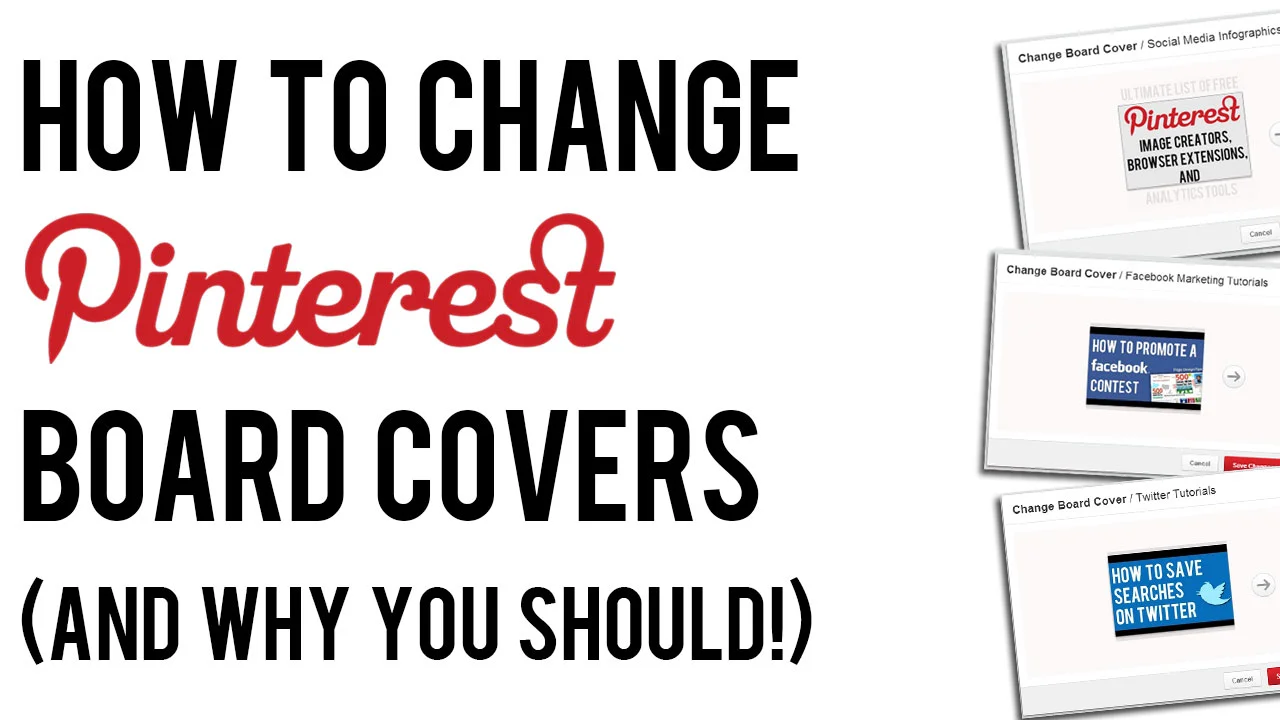
How to Change Pinterest Board Covers (And Why You Should!)

 
how-to-change-pinterest-board-covers.jpg

Changing your Pinterest board covers is one of the most simple optimisation tricks for your Pinterest profile, but is something that a lot of brands neglect to do. 

In this video, I show you how easy it is to change your Pinterest Boards, and explain why doing so is so important to keep your profile fresh and attract as many viewers as possible to click on your content. 


ABOUT THE AUTHOR

Andrew Macarthy is the author of the #1 Amazon Kindle Bestseller, 500 Social Media Marketing Tips.

Buy 500 Social Media Marketing Tips
Amazon US: http://www.amazon.com/dp/B007L50HE6
Amazon UK: http://www.amazon.co.uk/dp/B007L50HE6

Follow Me:
http://www.facebook.com/500socialmediatips/
https://pinterest.com/500socialmedia/
http://www.twitter.com/500socialmedia
http://www.youtube.com/500socialmediatips
 

Ultimate List of FREE Pinterest Image Creator, Extensions, Analytics Tools


There are a myriad of free tools on the web that can give a signicant boost to any would-be Pinterest expert, and on this page you'll find a comprehensive list of the very best of them. From image editors to browser extensions, analytics tools, and more, look no further! 

 Pinterest Image Creation / Editing / Sharing Tools

Pinterest Browser Extensions ( Google Chrome)

Pinterest Browser Extensions (Firefox)

Free Pinterest Analytics Tools

Other Free Pinterest Tools / Tricks


ABOUT THE AUTHOR

Andrew Macarthy is the author of the #1 Amazon Kindle Bestseller, 500 Social Media Marketing Tips.

Buy 500 Social Media Marketing Tips
Amazon US: http://www.amazon.com/dp/B007L50HE6
Amazon UK: http://www.amazon.co.uk/dp/B007L50HE6

Follow Me:
http://www.facebook.com/500socialmediatips/
https://pinterest.com/500socialmedia/
http://www.twitter.com/500socialmedia
http://www.youtube.com/500socialmediatips
How to Re-Arrange Pinterest Pins on New Layout 2013

 
re-arrange-pinterest-boards-2013.jpg

Pinterest's new site design is now rolling out to every user across the site, but one of the most important features for many businesses appears - at first - to have been removed. That's the ability to re-arrange boards to keep your most important and fresh content 'above the fold' on your Pinterest page, to entice as many customers as possible.

The re-arrange boards feature is still available. In fact, Pinterest has taken out a step to make shifting content around as easy as possible. Check out the video above to find out how it's done.


ABOUT THE AUTHOR

Andrew Macarthy is the author of the #1 Amazon Kindle Bestseller, 500 Social Media Marketing Tips.

Buy 500 Social Media Marketing Tips
Amazon US: http://www.amazon.com/dp/B007L50HE6
Amazon UK: http://www.amazon.co.uk/dp/B007L50HE6

Follow Me:
http://www.facebook.com/500socialmediatips/
https://pinterest.com/500socialmedia/
http://www.twitter.com/500socialmedia/
http://www.youtube.com/500socialmediatips
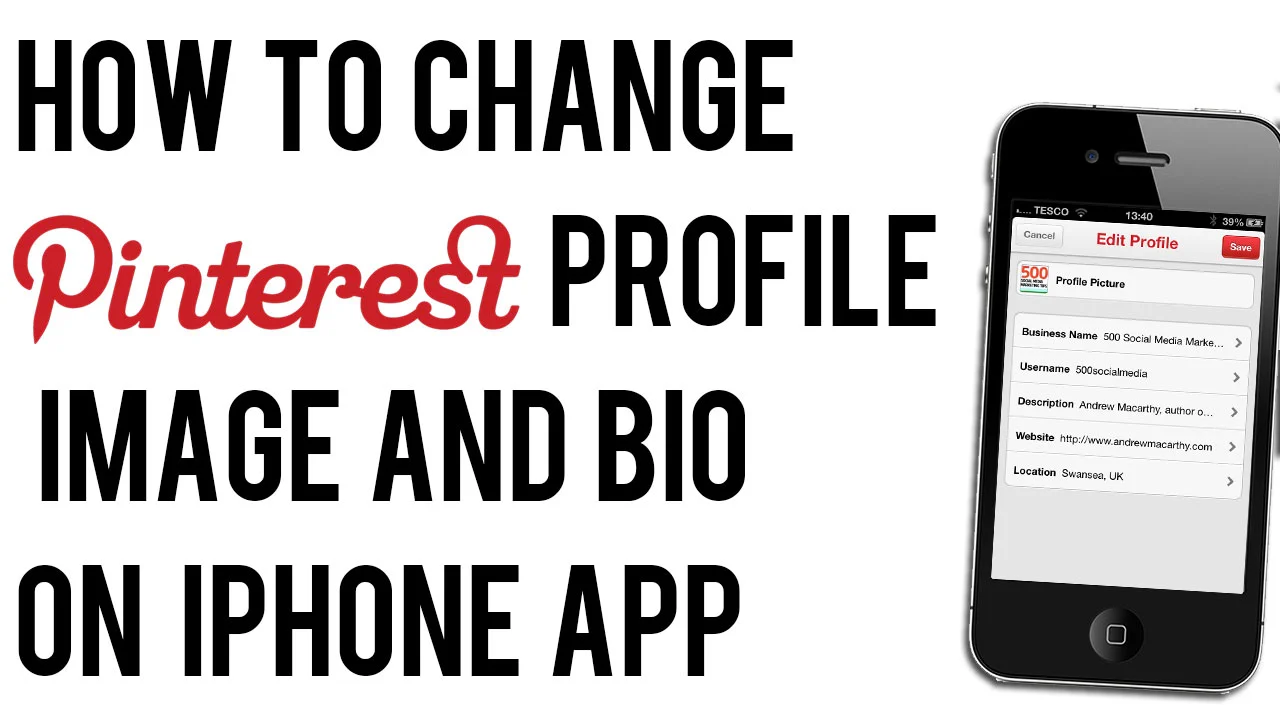
How to Change Pinterest Profile Photo or Bio on iPhone | Edit Pinterest Profile on App

 
how-to-change-pinterest-profile-image-on-phone.jpg

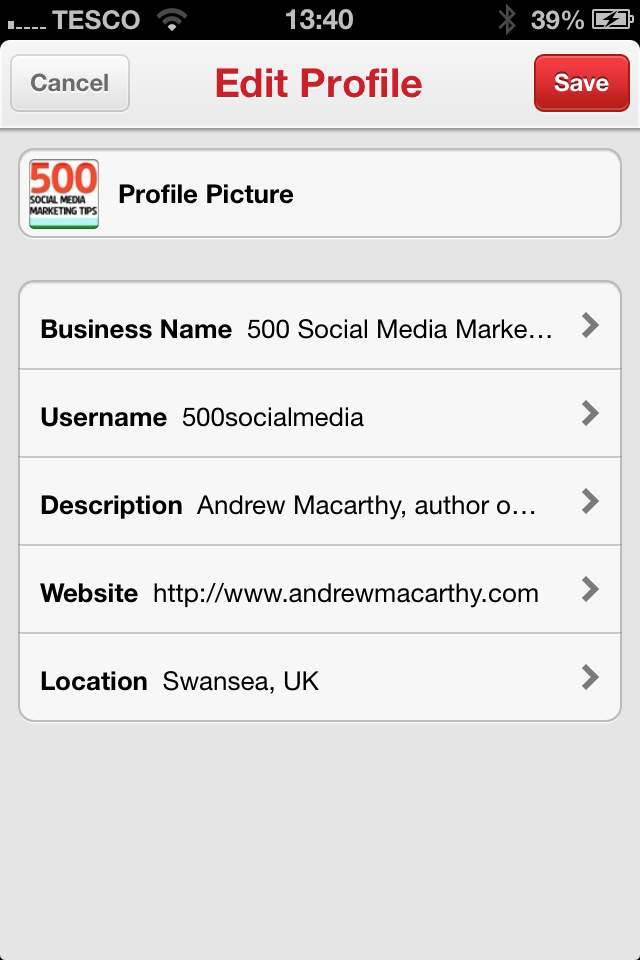
Pinterest has recently updated its iPhone app to allow users to update their profile photo and bio direct from their phones or tablets. If Pinterest is important to your business and you need to be able to edit these details on the fly, here's how: 

change-pinterest-profile-photo-iphone-app.PNG

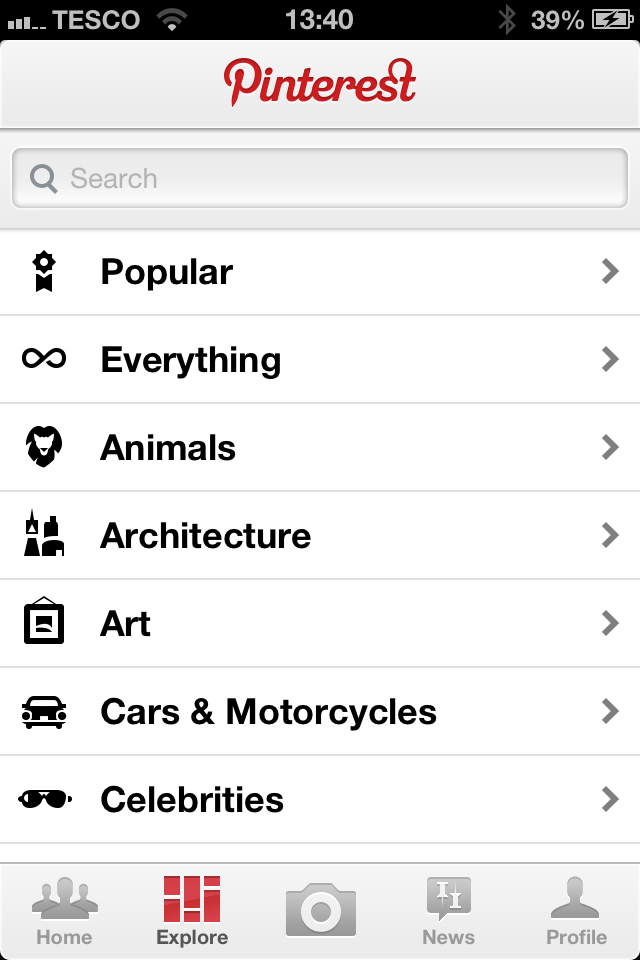
1. Load up the Pinterest iPhone app and tab the Profile tab. 

change-pinterest-profile-photo-iphone-app-2.PNG

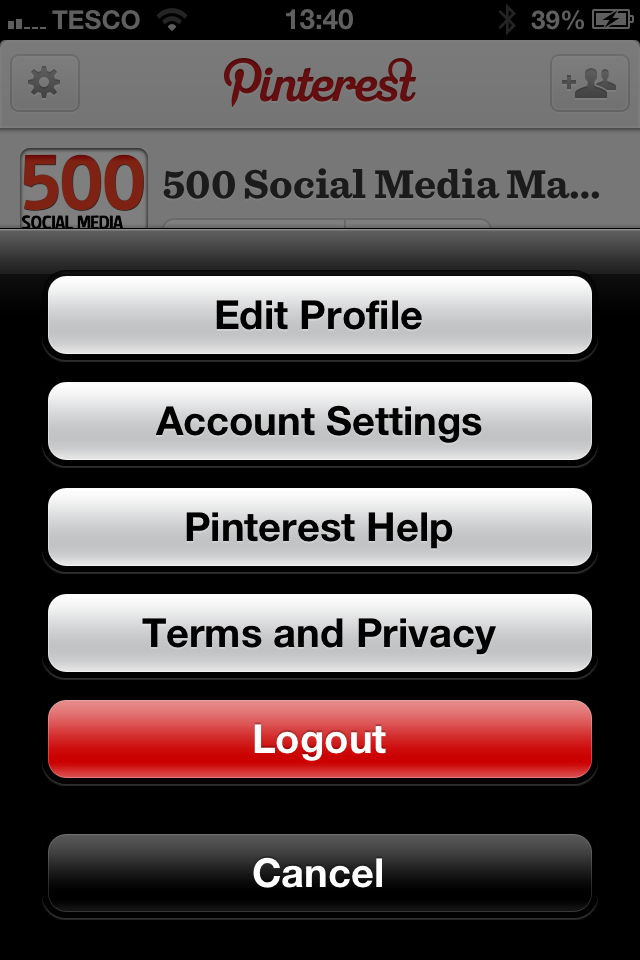
2. From your Profile, tap on the cog icon in the top-left corner and choose 'Edit Profile' from the menu that appears. 

change-pinterest-profile-photo-iphone-app-3.PNG

3. Tap on the different sections of the profile to edit them as you wish, and click Save to confirm. That's it! 


ABOUT THE AUTHOR

Andrew Macarthy is the author of the #1 Amazon Kindle Bestseller, 500 Social Media Marketing Tips. 

Buy 500 Social Media Marketing Tips
Amazon US: http://www.amazon.com/dp/B007L50HE6
Amazon UK: http://www.amazon.co.uk/dp/B007L50HE6

Follow Me:
http://www.facebook.com/500socialmediatips/
https://pinterest.com/500socialmedia/
http://www.twitter.com/500socialmedia/
http://www.youtube.com/500socialmediatips