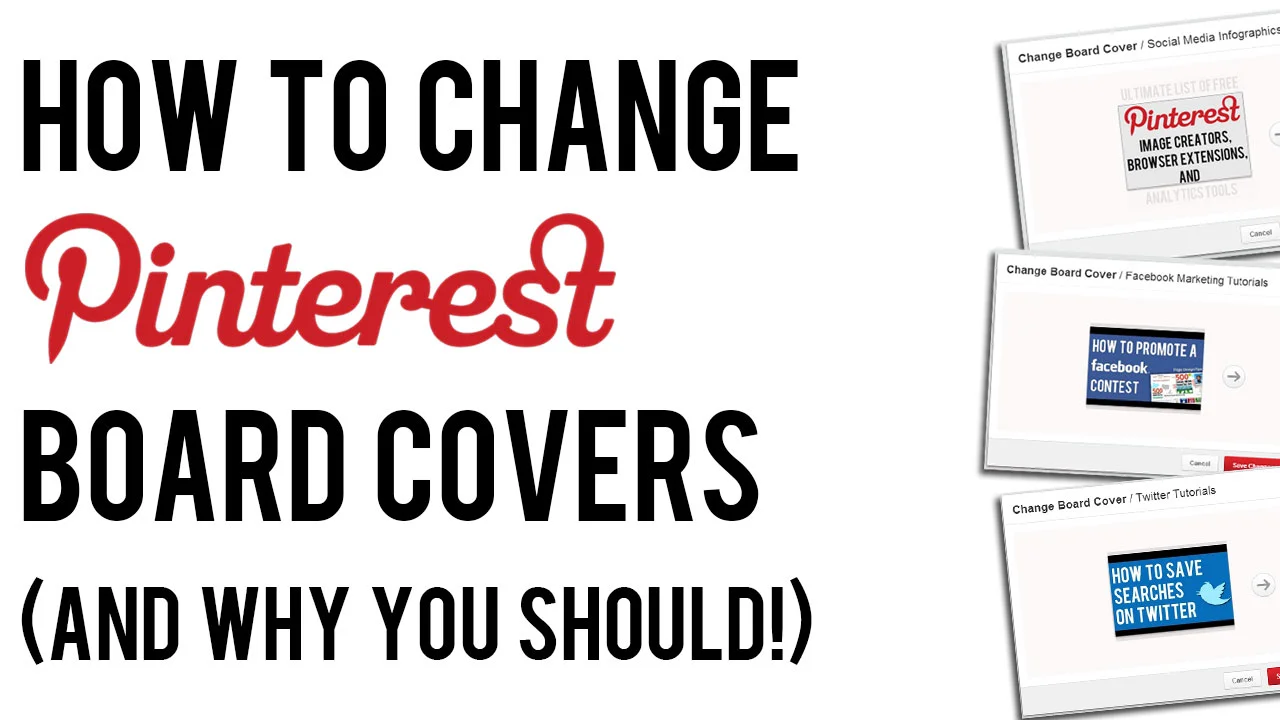
How to Change Pinterest Board Covers (And Why You Should!)

 
how-to-change-pinterest-board-covers.jpg

Changing your Pinterest board covers is one of the most simple optimisation tricks for your Pinterest profile, but is something that a lot of brands neglect to do. 

In this video, I show you how easy it is to change your Pinterest Boards, and explain why doing so is so important to keep your profile fresh and attract as many viewers as possible to click on your content. 


ABOUT THE AUTHOR

Andrew Macarthy is the author of the #1 Amazon Kindle Bestseller, 500 Social Media Marketing Tips.

Buy 500 Social Media Marketing Tips
Amazon US: http://www.amazon.com/dp/B007L50HE6
Amazon UK: http://www.amazon.co.uk/dp/B007L50HE6

Follow Me:
http://www.facebook.com/500socialmediatips/
https://pinterest.com/500socialmedia/
http://www.twitter.com/500socialmedia
http://www.youtube.com/500socialmediatips
 

How to Promote Facebook Page on Personal Profile (April 2013)


One of the easiest ways to give your Facebook Page a small boost in exposure is to include it as your place of work on your personal Facebook profile. I created a tutorial to show how to do this a long while back, but some people were not able to make it work for them. 

The issue seemed to be affecting Page owners with few likes, or a Page name that was very common. I explain a little about all of this and how to work around the problem in the video above. 


ABOUT THE AUTHOR

Andrew Macarthy is the author of the #1 Amazon Kindle Bestseller, 500 Social Media Marketing Tips.

Buy 500 Social Media Marketing Tips
Amazon US: http://www.amazon.com/dp/B007L50HE6
Amazon UK: http://www.amazon.co.uk/dp/B007L50HE6

Follow Me:
http://www.facebook.com/500socialmediatips/
https://pinterest.com/500socialmedia/
http://www.twitter.com/500socialmedia
http://www.youtube.com/500socialmediatips

How to Target Page Fans ONLY in Facebook Promoted Posts (Not Friends of Fans Too)

 
how-to-target-fans-only-facebook-promoted-posts-not-friends-of-fans.jpg

Facebook Promoted Posts provide a quick and easy way for Page owners to get their content in front of the eyes of more of their fans than the site's EdgeRank algorithm might naturally allow, but a recent change to the function has removed the option to promote your content to fans only , replacing it with a default option that forces you to promote your post to fans and  their friends.

In terms of marketing to the most relevant users, you might want to keep your promoted posts going to fans only, but now can't. Luckily, there is a way around this, by making a few quick changes in the Facebook Ads manager. I show you how in the above video.


ABOUT THE AUTHOR

Andrew Macarthy is the author of the #1 Amazon Kindle Bestseller, 500 Social Media Marketing Tips.

Buy 500 Social Media Marketing Tips
Amazon US: http://www.amazon.com/dp/B007L50HE6
Amazon UK: http://www.amazon.co.uk/dp/B007L50HE6

Follow Me:
http://www.facebook.com/500socialmediatips/
https://pinterest.com/500socialmedia/
http://www.twitter.com/500socialmedia
http://www.youtube.com/500socialmediatips


Ultimate List of FREE Pinterest Image Creator, Extensions, Analytics Tools


There are a myriad of free tools on the web that can give a signicant boost to any would-be Pinterest expert, and on this page you'll find a comprehensive list of the very best of them. From image editors to browser extensions, analytics tools, and more, look no further! 

 Pinterest Image Creation / Editing / Sharing Tools

Pinterest Browser Extensions ( Google Chrome)

Pinterest Browser Extensions (Firefox)

Free Pinterest Analytics Tools

Other Free Pinterest Tools / Tricks


ABOUT THE AUTHOR

Andrew Macarthy is the author of the #1 Amazon Kindle Bestseller, 500 Social Media Marketing Tips.

Buy 500 Social Media Marketing Tips
Amazon US: http://www.amazon.com/dp/B007L50HE6
Amazon UK: http://www.amazon.co.uk/dp/B007L50HE6

Follow Me:
http://www.facebook.com/500socialmediatips/
https://pinterest.com/500socialmedia/
http://www.twitter.com/500socialmedia
http://www.youtube.com/500socialmediatips

How to Re-Arrange Pinterest Pins on New Layout 2013

 
re-arrange-pinterest-boards-2013.jpg

Pinterest's new site design is now rolling out to every user across the site, but one of the most important features for many businesses appears - at first - to have been removed. That's the ability to re-arrange boards to keep your most important and fresh content 'above the fold' on your Pinterest page, to entice as many customers as possible.

The re-arrange boards feature is still available. In fact, Pinterest has taken out a step to make shifting content around as easy as possible. Check out the video above to find out how it's done.


ABOUT THE AUTHOR

Andrew Macarthy is the author of the #1 Amazon Kindle Bestseller, 500 Social Media Marketing Tips.

Buy 500 Social Media Marketing Tips
Amazon US: http://www.amazon.com/dp/B007L50HE6
Amazon UK: http://www.amazon.co.uk/dp/B007L50HE6

Follow Me:
http://www.facebook.com/500socialmediatips/
https://pinterest.com/500socialmedia/
http://www.twitter.com/500socialmedia/
http://www.youtube.com/500socialmediatips